
Download Dictionary - M-W Premium – dictionary, vocabulary, word of the day, thesaurus, audio pronunciation, offline access, word games, quizzes, language learning, English language, Merriam-Webster
Overview
Dictionary - M-W Premium is a comprehensive desktop application designed to support English language learners, educators, and individuals focused on vocabulary development. The software serves as a reliable reference tool, offering accurate definitions, word origins, and usage examples. It addresses the core challenges of language acquisition by providing accessible, up-to-date information on thousands of English words. The app is particularly useful for students preparing for academic exams, professionals expanding their lexical range, and casual users seeking to improve their communication skills.
Developed by Merriam-Webster, Inc., a respected name in lexicography, the software leverages the authority and credibility of one of the most trusted dictionaries in the English-speaking world. Its continuous updates ensure users have access to the latest additions to the language, including emerging terms and evolving meanings. Real-world use cases include studying for standardized tests, writing with greater precision, and enhancing spoken fluency through pronunciation practice. The software is designed for both structured learning and spontaneous exploration, making it a versatile tool for daily language enrichment.
Key Features & Capabilities
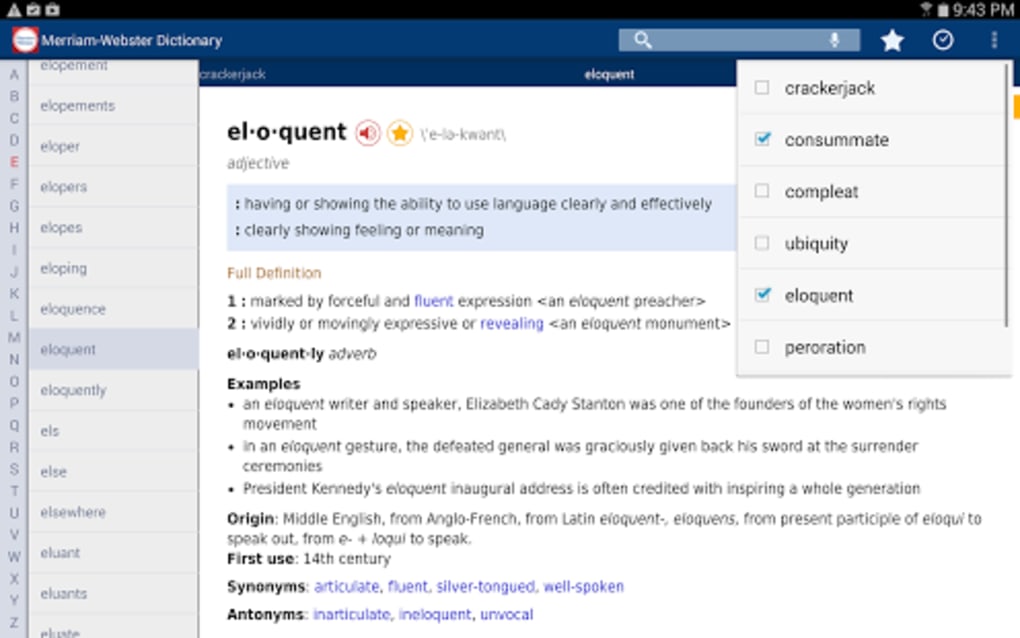
- Comprehensive Dictionary Database: Provides detailed definitions, etymologies, and example sentences for a vast array of English words.
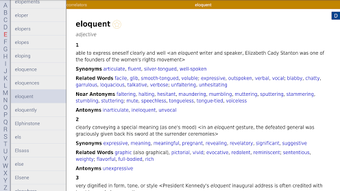
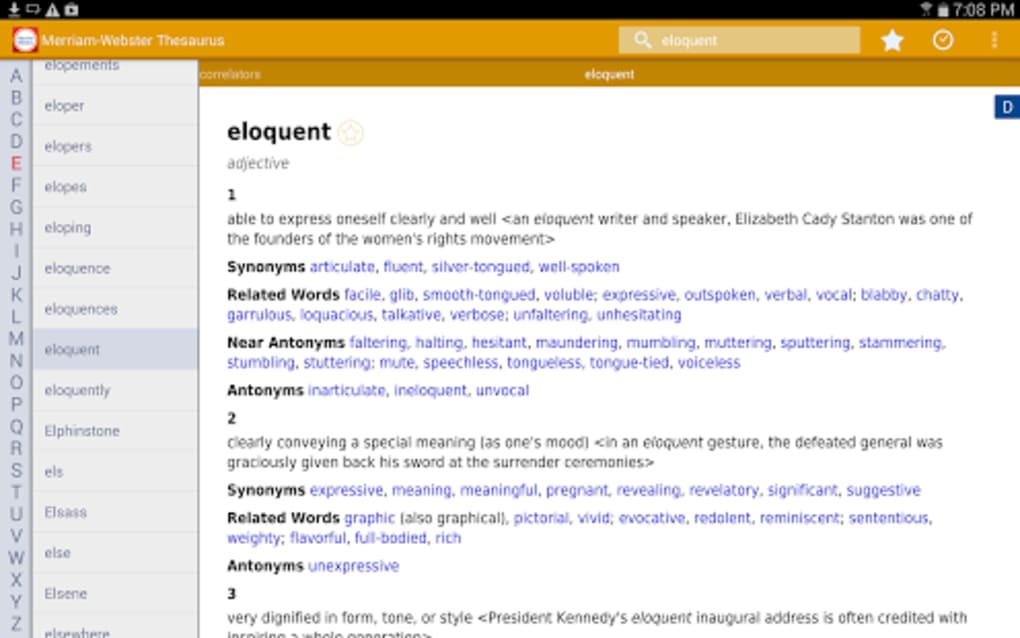
- Integrated Thesaurus: Offers synonyms and antonyms to help users expand their vocabulary and improve writing variety.
- Audio Pronunciations: Features real voice recordings of word pronunciations, aiding in correct spoken usage.
- Word of the Day: Delivers a new word each day with definition, usage, and pronunciation to encourage consistent learning.
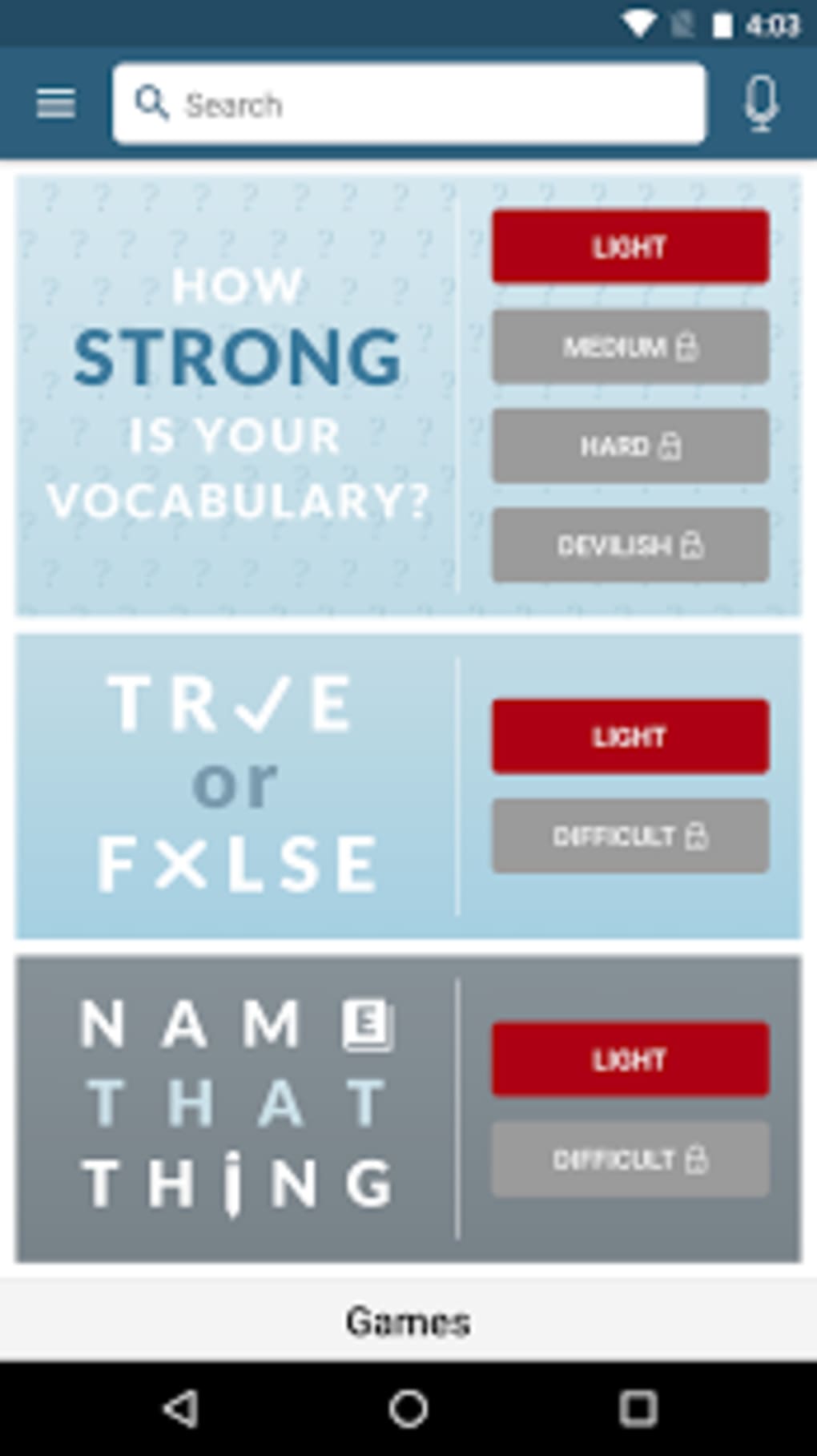
- Interactive Learning Tools: Includes quizzes and word games to reinforce retention and make vocabulary building engaging.
- Offline Access: Allows users to view definitions and synonyms without an internet connection, ideal for travel or low-connectivity environments.
- Online-Only Features: Access to illustrations, voice search, and enhanced audio content requires an active internet connection.
These features support both independent study and classroom integration. For example, educators can assign daily Word of the Day challenges, while learners can use quizzes to test their progress. The combination of reference tools and gamified learning promotes active engagement, helping users retain new vocabulary more effectively than passive reading alone.
User Interface, Workflow & Performance
The user interface is designed for clarity and ease of navigation, with a clean layout that prioritizes quick access to core functions. Search is the central action, allowing users to input words or browse alphabetically. Results are displayed in a structured format, including part of speech, definition, pronunciation guide, and related terms. Navigation between the dictionary, thesaurus, and learning tools is intuitive, minimizing user effort.
Workflow efficiency is enhanced by features like recent searches and saved entries, enabling users to revisit frequently looked-up words. The application responds promptly to input, though exact performance data such as CPU or RAM usage were not specified. The developer did not provide additional system requirements, so performance may vary based on device configuration. Stability appears consistent with standard mobile application behavior, though no formal stress-testing reports were shared. Overall, the software maintains smooth operation under typical usage conditions.
Compatibility & System Requirements
Dictionary - M-W Premium is designed for Android operating systems, with compatibility confirmed for Android 5.0 and above. The installation size is 40 MB, indicating a lightweight footprint suitable for most devices. The software is available for download on Android-based desktop environments, though specific compatibility with all desktop versions was not detailed.
Exact system requirements were not listed. The developer did not specify minimum processor speed, RAM, or storage capacity beyond the installation size. Users are advised to ensure their system meets general Android compatibility standards. For optimal performance, devices with stable internet connectivity are recommended to access full functionality, including audio and illustrations.
Pros and Cons
Pros
- Trusted source: Developed by Merriam-Webster, Inc., a leading authority in English lexicography.
- Rich learning content: Includes word games, quizzes, and daily word features to enhance engagement.
- Offline access: Definitions and synonyms are available without internet, supporting on-the-go use.
- High-quality audio pronunciations: Real voice recordings improve listening and speaking skills.
- Regular updates: Ensures the dictionary remains current with new vocabulary and language changes.
Cons
- Online features require internet: Illustrations, voice search, and full audio content are unavailable offline.
- Ad-supported free version: The free download includes advertisements, which may disrupt the user experience.
- Limited to Android platform: No information on availability for other operating systems.
- Subscription needed for ad-free experience: Full benefits require a paid plan, which may deter some users.
- Resource usage details not disclosed: Users cannot assess performance impact on their system.
FAQ Section
Is Dictionary - M-W Premium available for Windows or Mac?
Currently, the software is designed for Android devices. There is no publicly available version for Windows or Mac desktop systems.
Can I use the app without an internet connection?
Yes, basic dictionary and thesaurus functions, including definitions and synonyms, are available offline. However, features such as audio pronunciations, illustrations, and voice search require an internet connection.
Is the app safe to download and use?
Yes, the app is published by Merriam-Webster, Inc., a reputable developer. It is free to download and does not require suspicious permissions.
How often is the dictionary updated?
The dictionary is continuously updated with new words and meanings, reflecting the evolving nature of the English language.
What is the difference between the free and premium versions?
The free version includes ads and limited access to some features. A subscription removes ads and unlocks full access to audio, illustrations, and advanced learning tools.
Final Thoughts
Dictionary - M-W Premium stands out as a reliable, feature-rich tool for anyone committed to mastering the English language. Its blend of authoritative content, interactive learning, and practical offline functionality makes it a valuable asset for students, teachers, and lifelong learners. While the ad-supported free model may affect usability for some, the option to upgrade ensures a seamless experience. The app’s integration of gamification and daily learning challenges enhances motivation and retention.
For users seeking a comprehensive, trustworthy, and engaging vocabulary-building tool, this software delivers strong value. If you're looking to expand your word knowledge, improve pronunciation, and stay current with modern English, this app is a top-tier choice.
Download Dictionary - M-W Premium now





.png)

